Mobile time tracking for quick time logging
Sometimes you're not on your computer and need to log time. This is where mobile time tracking comes in handy.
Mobile time tracking
There are plenty of reasons why you might want to use mobile time tracking. We’ve got you covered. Swoopworks makes it easy to log time from your mobile device. Just log in and you are already there.
Mobile timesheet
When adding new time entries, you follow these simple steps:
- Click on the ”+” button
- Select the project
- Select the task
- Enter the time spent and an optional description
- Click “Save” and you’re done!
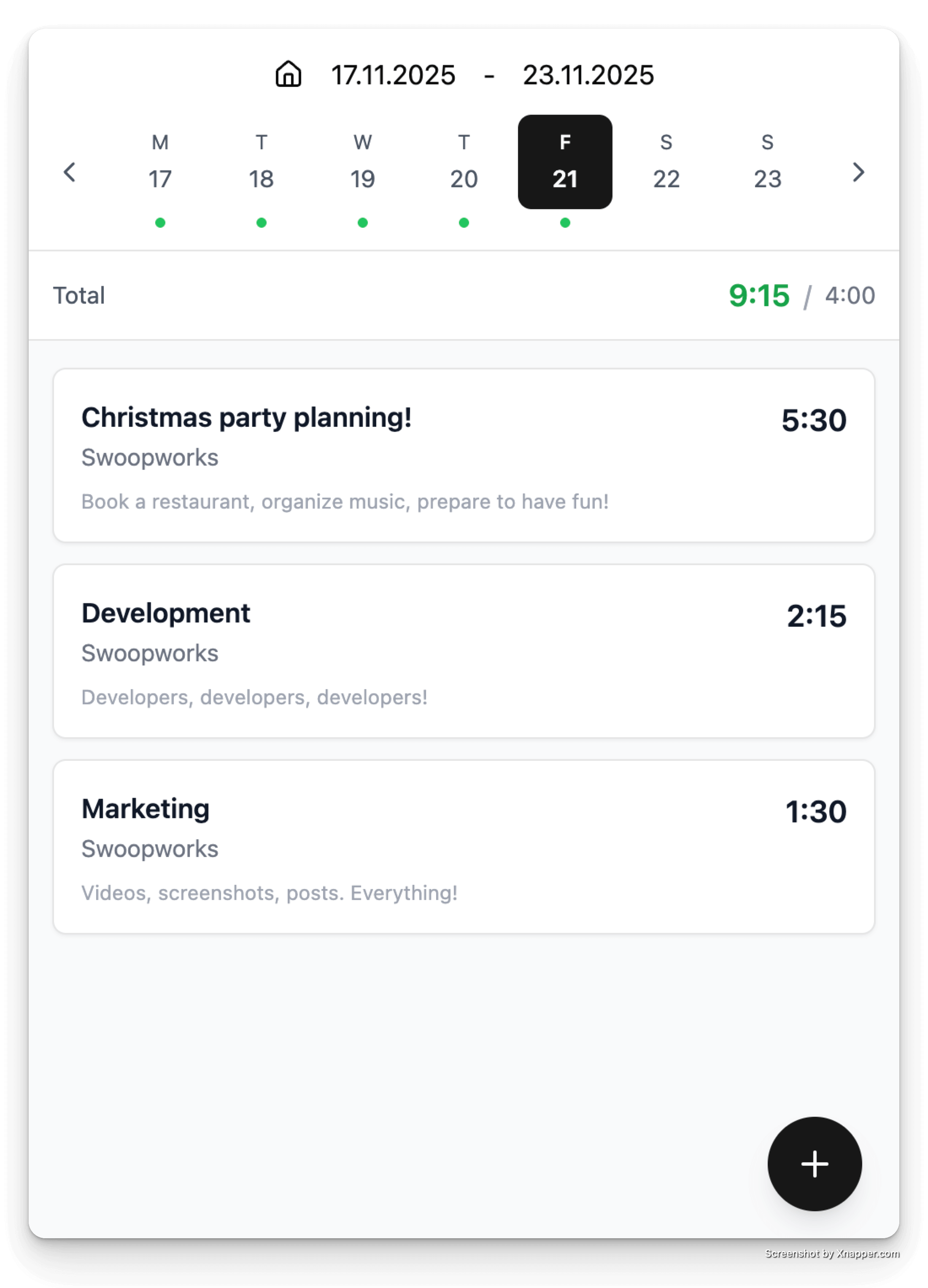
Daily capacity
You can also check your daily capacity on the mobile app. Every time you log time, your daily capacity is dynamically recalculated.
For each day you can see how many hours you have spent on tasks and how many hours you have left.